On this page
1. 🧭 The Problem: Directionless Learning#
Learning a new technical subject—whether it's distributed systems, OAuth 2.0, or a new frontend framework—often feels like opening a map with no "You are here" marker.
We have access to endless tutorials, vendor documentation, and AI tools capable of explaining almost anything. Yet, when faced with a massive new domain, it remains incredibly difficult to answer the most critical questions:
What are the important parts of this topic?
What should I learn first?
Which concepts are fundamentally connected, and which are entirely separate?
When I choose a specific architectural approach, what trade-off am I actually making?
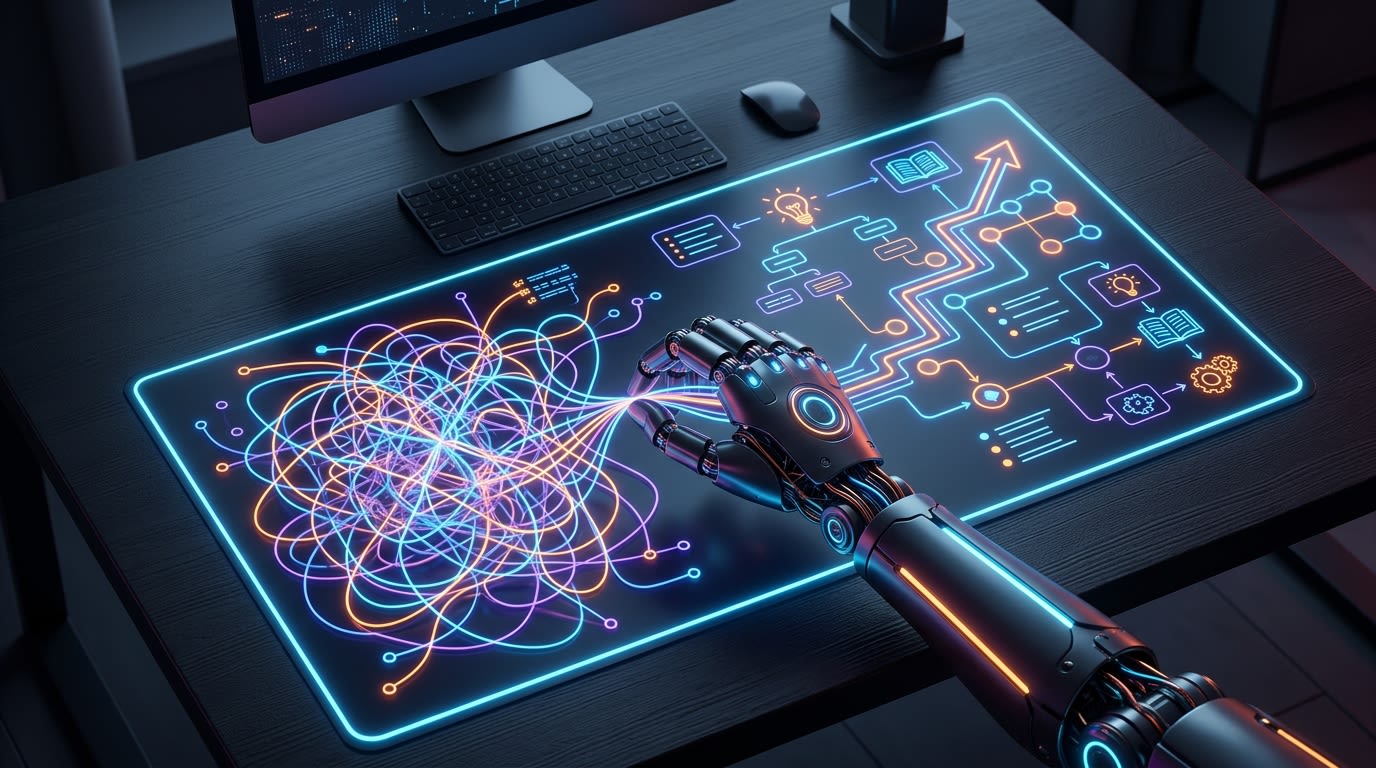
Asking an AI to "explain X" usually results in a flat summary or a bulleted list of features. It gives you information, but it doesn't give you a route.
2. 🤖 What is an AI "Skill"?#
To fix this, we need to talk about skills.
If you use advanced AI agent platforms like Codex or Google Antigravity, you aren't just limited to chatting with a generic bot. These platforms allow developers to inject custom "skills"—highly specific instruction sets, workflows, and rules that fundamentally change how the AI behaves.
A skill takes a general-purpose AI and molds it into a specialized tool. Instead of giving the AI a simple prompt and hoping for the best, a skill forces the AI to follow rigorous execution steps, utilize specific formatting, and adhere to strict quality boundaries.
3. 💡 The Solution: goashins-skills#
We realized that to truly learn complex topics, we needed the AI to act less like a search engine and more like a senior mentor. So, we custom-built the goashins-skills repository.
It provides two purpose-built AI skills that you can plug directly into your agent. The philosophy behind them is simple: map the space, choose a concept, then understand it deeply.
- 🗺️ Find your bearings: Use the
learning-roadmapskill to turn a massive topic into a structured, prerequisite-aware path. - 🔬 Build understanding: Use the
deep-learning-mentorskill to take one concept from that path and explain its purpose, mechanism, trade-offs, and limits.
Let's look at how each of these custom skills works under the hood.
4. 🗺️ Skill 1: learning-roadmap#
The learning-roadmap skill answers: What should I learn, in what order, and how do the parts fit together?
Instead of a generic list of terms, it generates a strict Detailed + Checklist roadmap by default. It forces the AI to output five specific components:
- Epitome: A high-level definition of what the topic is and the core problem it addresses.
- Structural Blueprint: A Mermaid diagram mapping the major pillars.
- Master Index: A grouped, prerequisite-aware map of concepts.
- Local Sub-Indexes: Deeper dives into specific sub-categories, but only where independent design choices justify the depth.
- Handoff: A prompt inviting you to explore a selected concept in depth.
5. 🔬 Skill 2: deep-learning-mentor#
Once you have your map, the deep-learning-mentor answers: Why does this work, what are the trade-offs, and when should I use it?
This skill enforces a rigid eight-part explanatory flow designed around established instructional theory:
- Intuition and purpose
- Big picture
- How it works
- Worked examples
- Why this approach—and when to use it
- Pitfalls and important boundaries
- Takeaway
- Sources
By forcing the AI to explicitly state the mechanisms (how it works) and the boundaries (when it fails), it prevents the AI from just regurgitating vendor marketing. It ensures you understand the causal relationships behind a technology before you look at the code.
6. 🤝 The Synergy: How to use them together#
These skills are designed to hand off to one another seamlessly.
Imagine you are a backend engineer needing to learn about distributed systems. You start by triggering the roadmap:
Create a detailed checklist roadmap for distributed systems for a backend engineer.
The AI generates the Mermaid diagram and the Master Index. You scan the index and notice a section on logical clocks. You then trigger the mentor skill:
From the roadmap, explain vector clocks in depth.
You immediately transition from high-level orientation to a deep, mechanistic explanation of vector clocks, complete with worked examples and pitfalls, without ever losing your place in the broader syllabus.
7. 🚀 Getting Started#
Ready to stop wandering and start learning? You can easily install these custom skills for Codex or Antigravity by cloning the goashins-skills repository.
To install them globally for all your projects:
# Clone the repository into a temporary folder
git clone https://github.com/snapc9771/goashins-skills.git
# Copy the skills into your global configuration
cp -r goashins-skills/skills/* ~/.gemini/config/skills/Alternatively, you can drop the skills/ folder directly into a project's .agents/ directory to make them workspace-specific. Once installed, just type / in your chat interface to trigger the mentor or the roadmap!
8. ⚠️ Quality Boundaries#
These skills provide a powerful learning harness, but they are not magic. They rely on established instructional ideas (like Elaboration theory and Worked-example research), but their quality still depends heavily on the source material.